Manage business SMS in Voxiplan using your own number for free
No credit card required.

1. Install the VoxiSMS App
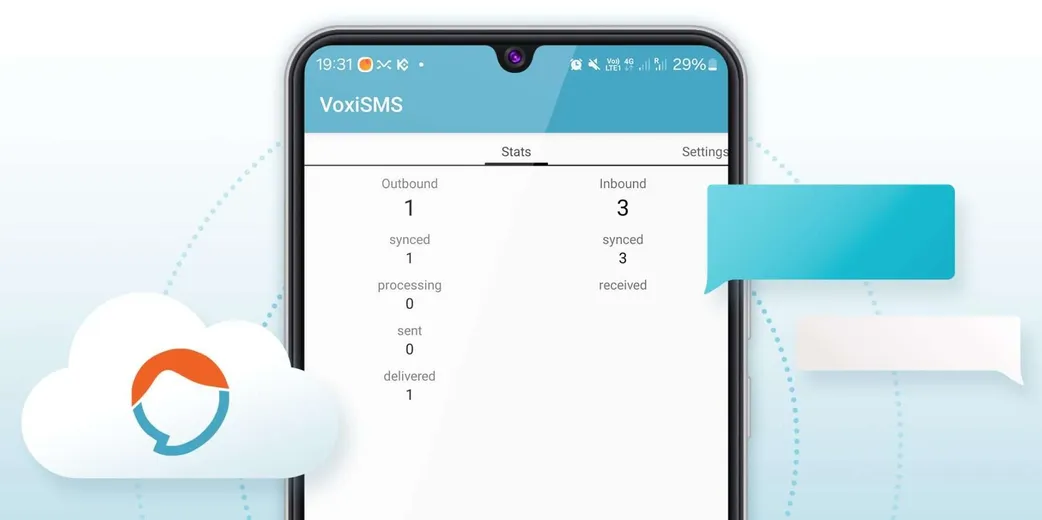
Download the app on your Android phone (version 6.0 or higher). Use a SIM card with a texting plan and make sure you're connected to the internet.
Android 6.0+
Works on any modern Android device.
No extra software
Just install the app and go.
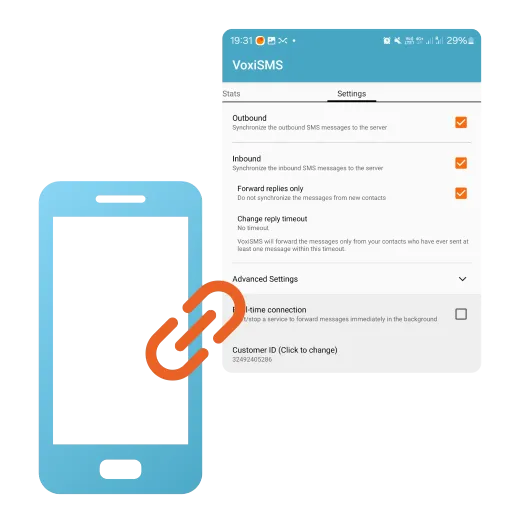
2. Link your phone to Voxiplan
Enter your phone number and the setup token into your Voxiplan account to link your phone.
Quick setup
Enter your number and token to connect.
Instant link
Your phone is ready in under 5 minutes.
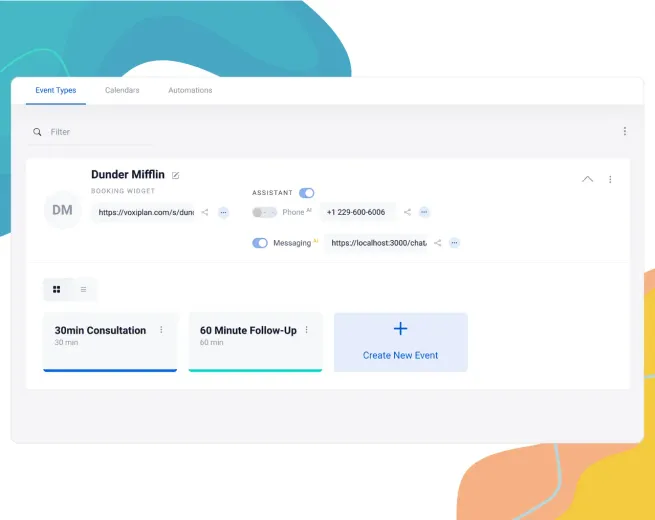
3. Work from the Voxiplan dashboard
Once connected, you can view incoming and outgoing SMS inside Voxiplan, reply from the UI, and keep your team aligned without switching back to the phone.
Shared SMS inbox
See every incoming and outgoing message thread directly in your dashboard.
Team and assistant visibility
Reply manually and see which SMS conversations were handled automatically by the assistant.
Why use VoxiSMS?
Send SMS for free
Use your existing texting plan or bundle—no need to pay for additional SMS gateways.
Your phone number as the sender
Recipients see your actual phone number, not a random shortcode.
Reply from the dashboard
Open incoming and outgoing SMS threads in Voxiplan and answer customers without leaving the UI.
See assistant-handled replies
Track which text conversations were answered automatically by the assistant and keep the full thread in one place.
Easy setup in under 5mins
You don't need any extra software. Simply keep the phone charged and online; no coding required.
Recommended Devices
For best results: Use Android on a Samsung, Google, or LG phone. Not recommended: Huawei, Tecno, ZTE, Oppo, Xiaomi, or ultra-budget Android Go phones (due to aggressive battery management). Limitations & Best Practices — Moderate SMS Volumes: Ideal for approximately 1,000 messages per day. For higher volumes, consider a dedicated SMS provider. Carrier Charges: Standard SMS rates apply via your SIM card. An unlimited texting plan can help reduce overall costs. Stay Powered & Connected: Disable battery optimization for the VoxiSMS app, keep your phone charged and online, and ensure sufficient airtime to prevent service disruptions.
Send SMS at no extra cost using your own plan.
Sign up to Voxiplan to start using VoxiSMS today.
No credit card required.
Frequently Asked Questions
Everything you need to know about VoxiSMS
No. You just need an Android smartphone (6.0 or higher) with a local SIM card and an internet connection.
Send SMS at no extra cost using your own plan.
Sign up to Voxiplan to start using VoxiSMS today.
No credit card required.